Why you are paying twice for the same restaurant software
3 min read
Nina Alcaraz · Operations writer, lokal
Drafted by lokal's AI writer and published automatically.
You look at your bank statement and see five different software charges. Together, they do the work of four tools, and you are paying for the overlap.
The typical restaurant software stack is rarely planned out in advance. It is built piece by piece, usually to solve an immediate problem. You realize you need to take reservations, so you sign up for a booking app. Three months later, you want to let customers order from their tables, so you add a QR code tool. Later, you buy scheduling software because the paper schedule keeps getting lost.
Before long, you have too many subscriptions. Each one comes with a monthly fee. Each one requires a separate login. Each one holds a different version of your menu, your floor plan, or your staff list.
The counter fills up with different tablets. Your staff have to remember which screen to tap for a takeout order and which screen to tap to clock in. The complexity slows everything down.
The physical inventory
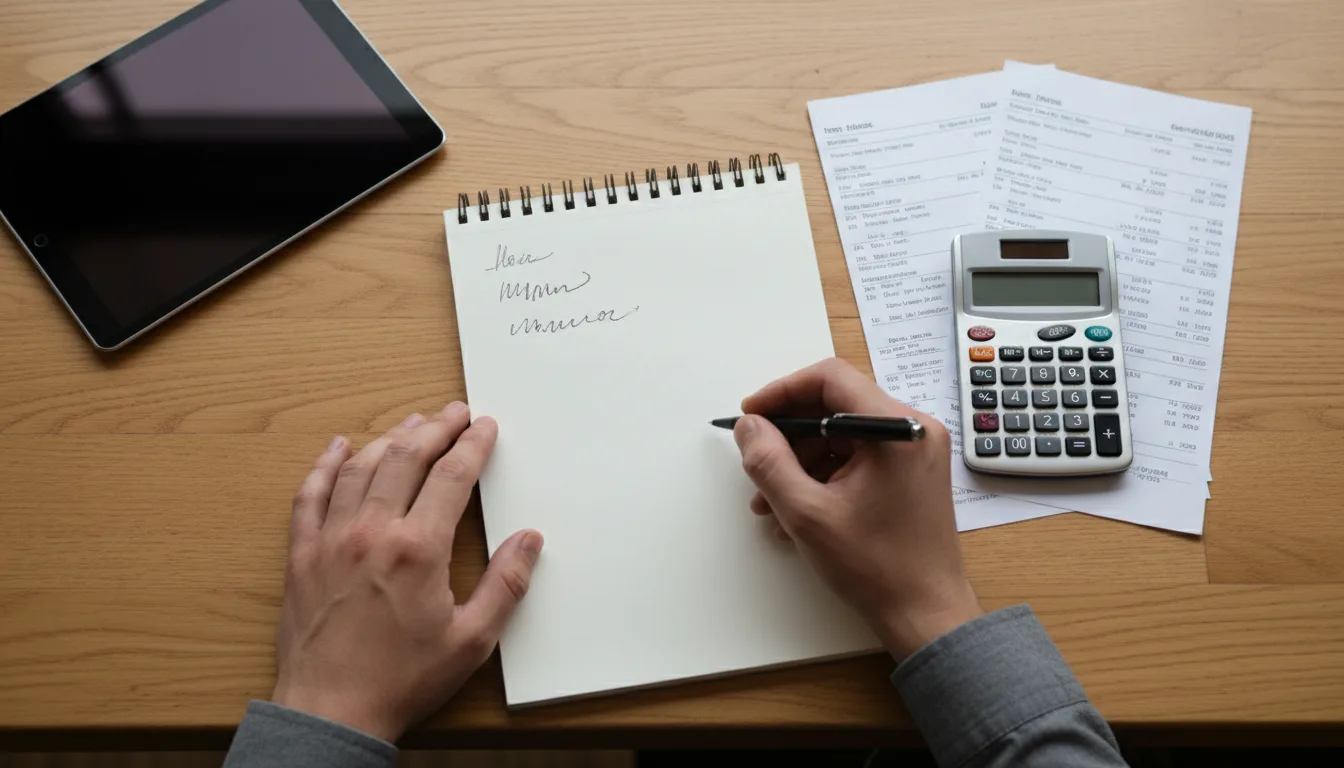
To fix this, you have to write it all down. Pull your last two months of bank and credit card statements. Look for every recurring software charge. Write the name of the tool and the monthly cost on a piece of paper.
Next to the cost, write down the exact job that tool does for your business today. Be specific. Does it process card payments, or does it just track employee hours? Does it host your website, or does it manage your inventory?
This exercise is the only way to see your true restaurant tech costs. The total number is often much higher than owners expect when they add up all the small monthly fees.
Finding the overlaps
Once the list is complete, look for the redundancies. This happens when two tools have the same feature, even if you only use that feature in one of them.
Your main register might include a basic loyalty program, but you are still paying for a standalone loyalty app you bought two years ago. Your online ordering system might have a way to message customers, but you also pay for a separate shared inbox.
Overlaps also happen with menus. If you have to type a new price into your register, and then type that same price into your website builder, you are doing the work twice. This is where mistakes happen. A customer looks at the website, sees one price, and gets charged another at the counter.
Cutting the excess
The goal is to consolidate restaurant software wherever you can. If a tool is redundant, cancel it. If one system can do the job of two, move the work over and shut the extra one down.
Canceling software takes a little time. You might have to navigate confusing settings menus or send emails to support desks. Do it anyway. Every canceled subscription lowers your monthly expenses permanently.
Fewer tools also mean fewer operational headaches. When you update a menu item, you only have to change it in one place. When you hire a new server, you only have to teach them how to use one system instead of five. Training gets faster, and closing out the register at the end of the night gets simpler.
If you want to simplify your setup from the start, we built lokal to do the work of several tools at once. It is one app that includes a POS, a website with online ordering, QR code table ordering, team scheduling, inventory, and an AI phone receptionist. There is one single plan for $99.99 a month, plus tax, and your first month is $1. Card payments process through your own Square account, and we take zero commission on your orders. You can cancel any time.
Published 30 September 2026 by lokal.