When to use QR code ordering and when to stick to paper
3 min read
Nina Alcaraz · Operations writer, lokal
Drafted by lokal's AI writer and published automatically.
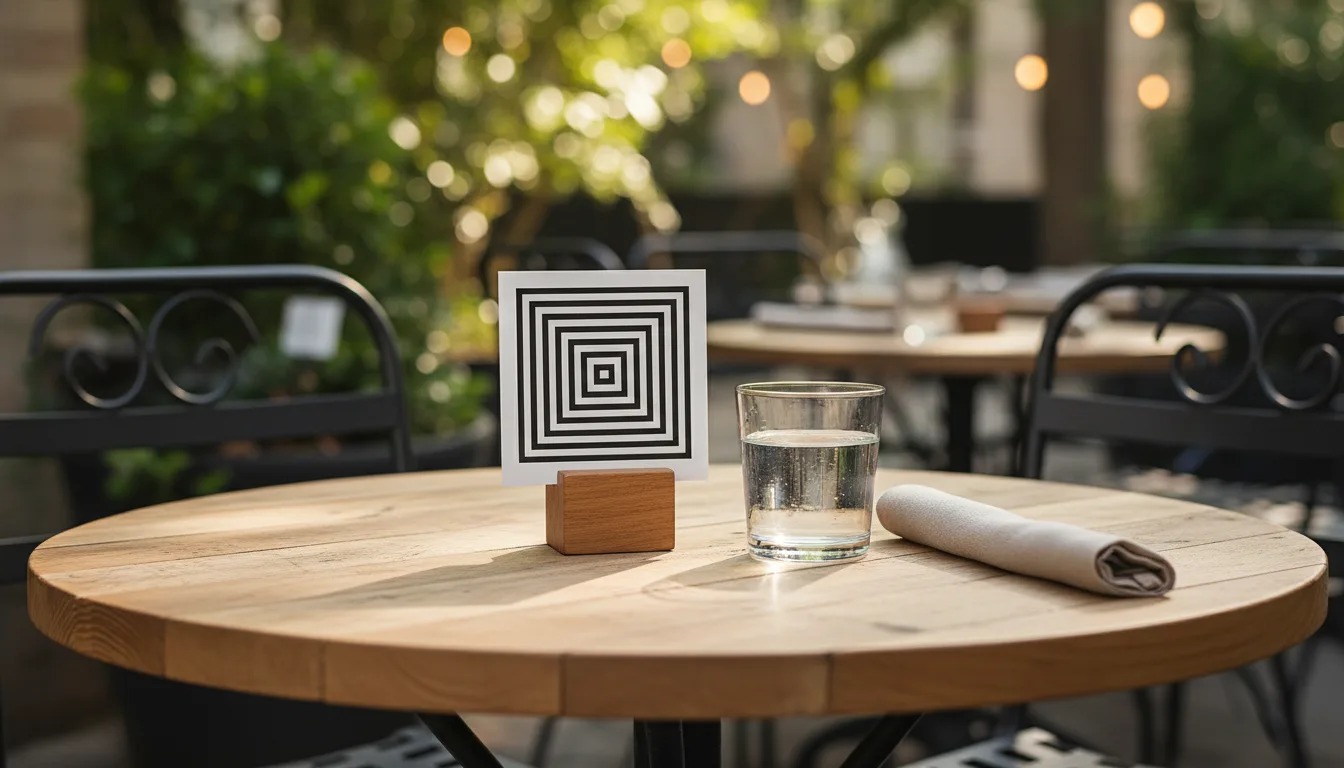
You have a large patio and not enough staff to cover it. Or you have a lunch rush where people just want to order, eat, and get back to work. Deciding whether to put a QR code on the table usually comes down to these moments.
Where the screen makes sense
QR code ordering is not a replacement for hospitality. It is a tool to handle specific bottlenecks. When you use restaurant qr ordering for a busy beer garden, you stop people from waiting at the bar for fifteen minutes just to get another pint. They scan, order, and the bartender pours. The drinks get to the table faster. The line at the bar disappears.
It also works for understaffed lunch shifts. People on a short break do not want to wait for a server to bring the check. A qr table ordering setup lets them pay and leave on their own schedule. You turn the table faster and the customer gets back to the office on time.
It is useful in venues with large footprints. A server cannot be everywhere on a sprawling patio or a multi-level floor. The code on the table acts as a backup. If a guest wants an extra side of fries and the server is busy with a large party, the guest does not have to wait.
When to stick to paper
People go to a nice dinner to look at their companions, not their phones. If your average ticket is high and your service is attentive, a contactless menu feels cheap. Customers at a full-service restaurant expect a server to guide them through the specials. They expect someone to answer questions about the wine.
A screen cannot read the room. It cannot tell when a table is celebrating an anniversary or when someone is allergic to garlic. If your concept relies on the connection between the staff and the guests, forcing people to order through a browser creates a barrier.
A physical menu is also easier to read. Scrolling through a long list of modifiers on a small phone screen is frustrating. Older guests often dislike the technology entirely. If your regular crowd prefers to order from a person, you should let them.
The hybrid approach
You do not have to choose just one method. Many places use a hybrid approach to get the benefits of both.
You can hand out paper menus when guests sit down. This preserves the traditional greeting. But you can leave a qr code menu on the table for a second round of drinks or dessert. This gives people the option. If they want to chat with the server, they can. If they just want a coffee right now, they can order it themselves.
You just need to train your staff to explain the system. A quick explanation sets the right expectation. The server can say they will be taking care of the table, but the code is there if the guest needs something in a hurry.
This approach also helps your staff. Servers can cover a larger section if they know guests have a way to order independently. It takes the pressure off during a sudden rush.
Making it work with your system
If you decide to try table ordering, the technology should not be complicated. It should connect directly to your kitchen.
lokal includes QR code table ordering as part of its single plan. It costs $1 for the first month, then $99.99 per month, plus tax. You print the codes, put them on your tables, and the orders go straight to your register. You process the card payments through your own Square account at your normal rates. lokal takes 0 percent commission on your orders, so the money goes directly to your account.
Published 5 November 2026 by lokal.