What you can control about restaurant no-shows
3 min read
Nina Alcaraz · Operations writer, lokal
Drafted by lokal's AI writer and published automatically.
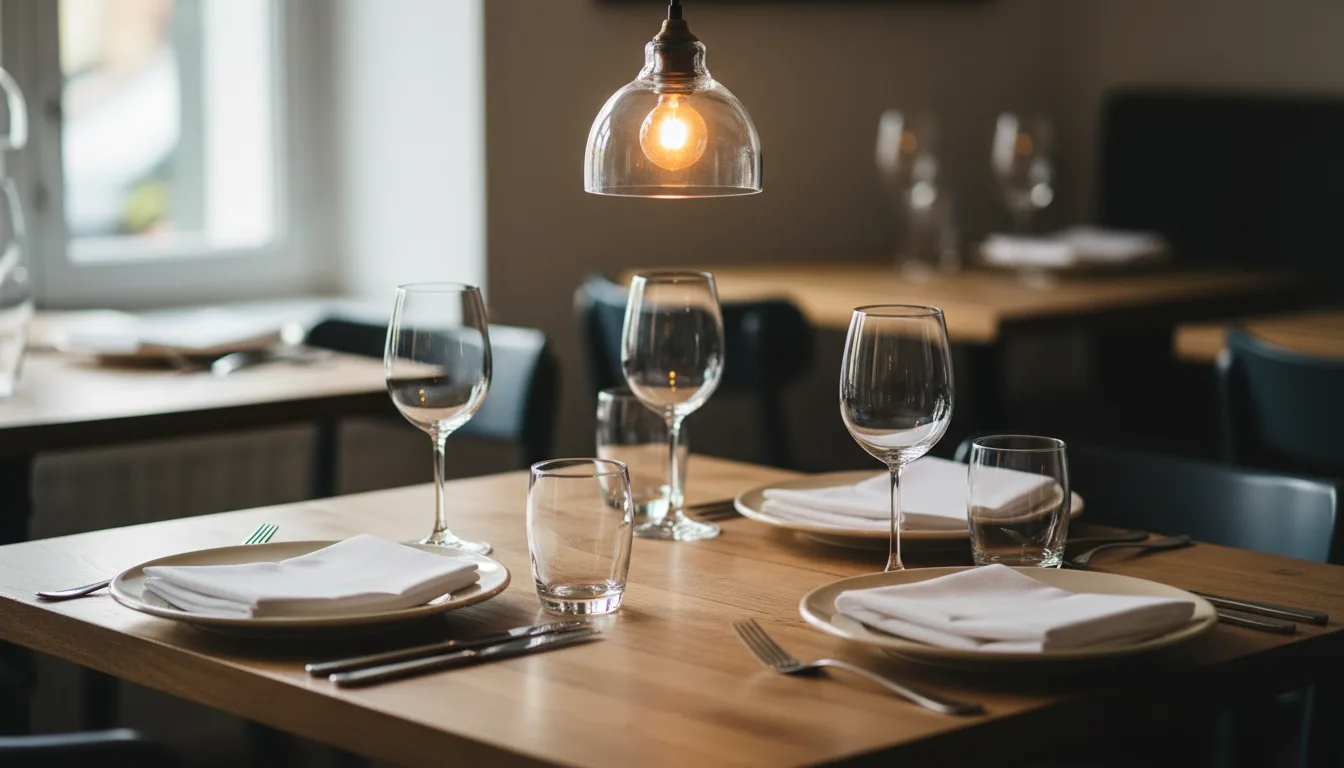
A party of four does not arrive for their eight o'clock booking. You turn away walk-ins to hold the table, and by eight-thirty you realize the seats will stay empty.
Restaurant no shows are a permanent part of hospitality. People forget, plans change, or they book three places and decide at the last minute. You cannot stop this behavior entirely. You can only change how your business reacts to it.
The goal is not to punish guests or make them feel guilty. The goal is to get accurate information as early as possible so you can seat someone else.
Setting a clear grace period
Decide exactly how long you will hold an empty table. Fifteen minutes is standard. Ten minutes is fine if you are busy and turn tables quickly. Whatever number you choose, enforce it consistently.
Tell the guest about this limit when they make table reservations. If they book over the phone, state clearly that you hold tables for fifteen minutes. If they book online, put the grace period in plain sight above the confirmation button.
When the time is up, release the table. If the guest arrives late, treat them as a walk-in. You can offer them a drink while they wait for the next available spot. You do not need to apologize for releasing the table after the agreed time.
When to send booking reminders
A guest who booked three weeks ago might genuinely forget. A guest who booked this morning will not. Timing your communication matters.
Send one message the day before the reservation. This gives the guest enough time to cancel without panic, and gives you enough time to fill the space. Sending a text two hours before service rarely helps. If they cancel then, you still have an empty table.
Keep booking reminders brief. Ask for a simple confirmation or cancellation. Make it easy for them to say no. A guest who cancels is doing you a favor compared to a guest who simply does not show up. Give them a clear way to reply, whether that is a link to tap or a number to text back.
Make it easy to cancel
Sometimes people avoid canceling because they do not want to make an awkward phone call. They know they are causing an inconvenience. They choose silence instead.
Remove the friction. If a guest can cancel with one tap on their phone, they are more likely to do it. A good restaurant booking system handles this automatically, updating your floor plan the moment the guest clicks cancel.
If they do call to cancel, someone needs to answer. During a busy service, the phone often rings out. If a guest cannot reach you, they will simply stop trying. A polite response to a cancellation ensures they will feel comfortable booking with you again in the future.
Keeping track of your floor
You need a reliable way to know who has confirmed, who is late, and who is a no-show. A paper diary works if you have a dedicated host who never leaves the stand. For most operators, a digital system is easier to share across the team.
This is where lokal helps. It includes reservations alongside your POS and team scheduling in one app. You can manage bookings, take orders, and update table status from a phone, a tablet, or a desktop browser. If you cannot get to the phone, the AI receptionist can answer calls and take cancellations for about $0.10 per minute. The software costs $99.99 a month, with the first month for $1. There are no setup fees and no contracts.
Published 20 October 2026 by lokal.