The real reason your restaurant website is slow
3 min read
Nina Alcaraz · Operations writer, lokal
Drafted by lokal's AI writer and published automatically.
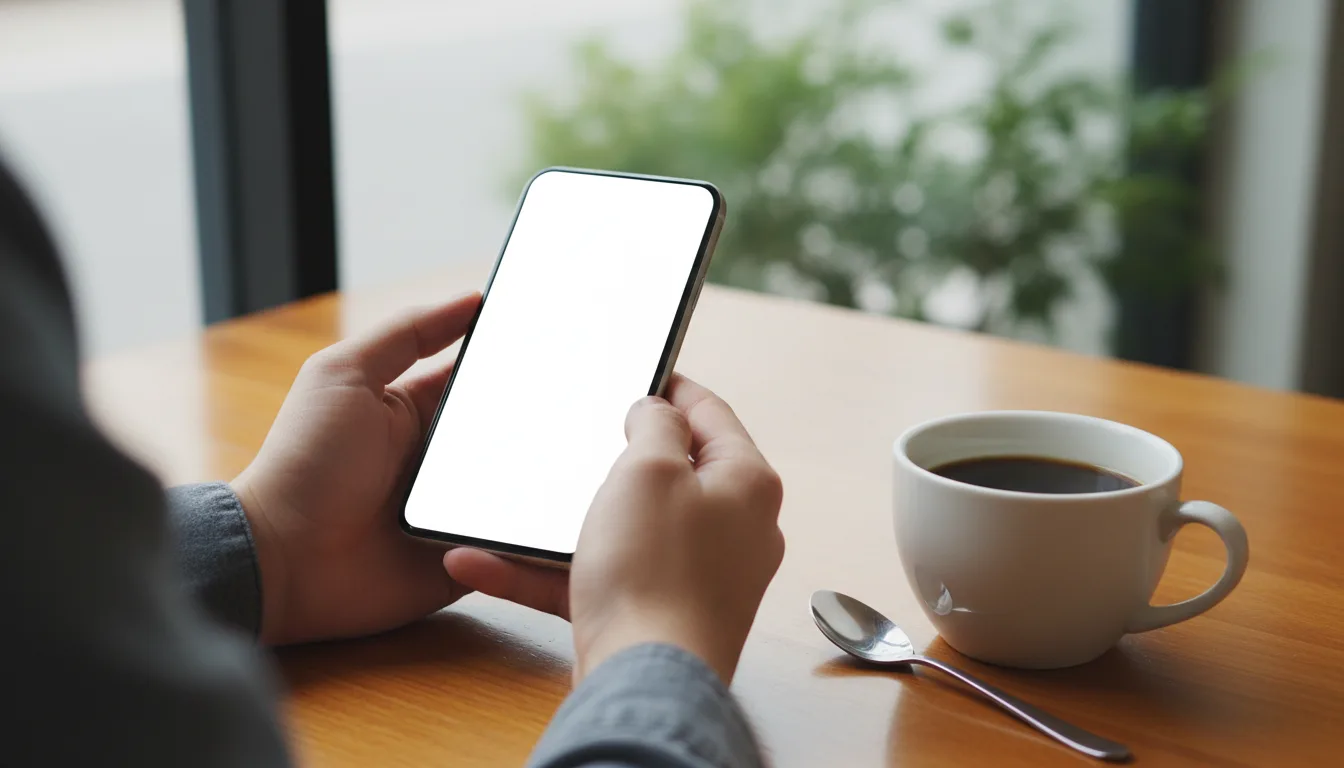
A customer taps the link to your menu on their phone, and the screen stays blank for three seconds. They assume the site is broken and look for somewhere else to eat.
This is the practical reality of poor restaurant website speed. You might think the delay is caused by a cheap hosting provider, bad code, or a temporary glitch. The truth is usually sitting right on your homepage. Your photographs are simply too heavy.
The difference between print and screen
Modern smartphones take massive, high-resolution pictures. A single photo of a pizza taken on a new phone can easily be five or six megabytes in size. The camera captures enough detail to print that image on a billboard.
Screens do not need that much detail. A phone screen can only display a fraction of the pixels contained in that original file. But if you upload the raw photo directly to your website, you force every visitor to download the entire massive file just to see your menu.
If your homepage has ten photos of that size, your page weight reaches fifty megabytes. That is an enormous amount of data to force onto a customer's device.
The reality of mobile connections
On a fast home internet connection, a heavy page might still load in a second or two. But most of your customers are not sitting at a desk. They are looking you up on their phones while walking down the street, sitting on a bus, or waiting in a car.
Mobile website performance relies on cellular networks. Signal strength fluctuates. When a customer has a weak signal, a fifty-megabyte page will stop loading completely. The browser will time out, leaving the customer with a white screen. Slow website images are the primary cause of lost online orders.
How to check your image weight
You do not need a developer to tell you if your photos are causing the problem. You can check this yourself in a few seconds. Open your website on a regular computer. Right-click on your main header photo and save it to your desktop.
Look at the file size of that saved image. If the number is measured in megabytes, the file is too big.
A website image should be measured in kilobytes. A large photograph that stretches across the whole screen should be under half a megabyte. A small thumbnail picture next to a specific menu item should be under one hundred kilobytes.
Fixing your website loading time
To improve your website loading time, you must compress your images before you upload them. Compression removes unnecessary data from the file. The picture will look exactly the same to the human eye on a phone screen, but the file size will shrink by eighty or ninety percent.
You also need to check your file formats. Photographs should always be saved as JPEG files. The PNG format is meant for flat graphics and logos. If you save a detailed photograph as a PNG, the file size will be massive, no matter what you do.
You can use basic tools built into your computer to resize images. If a photo is four thousand pixels wide, scale it down to one thousand. There are also many free websites where you can upload a heavy photo and download a compressed version. Doing this one task will make your site faster than any other technical adjustment.
How lokal handles your website
If you do not want to manually compress every menu photo, the website builder inside lokal handles image optimization automatically. When you upload a picture, the software resizes and compresses it for mobile phones and desktop screens. You just upload the image, and the site stays fast. lokal provides your website, online ordering, and point of sale in one system for $99.99 a month, after a $1 first month.
Published 9 November 2026 by lokal.