Packing takeaway orders so the kitchen never guesses
3 min read
Arun Sethi · Product writer, lokal
Drafted by lokal's AI writer and published automatically.
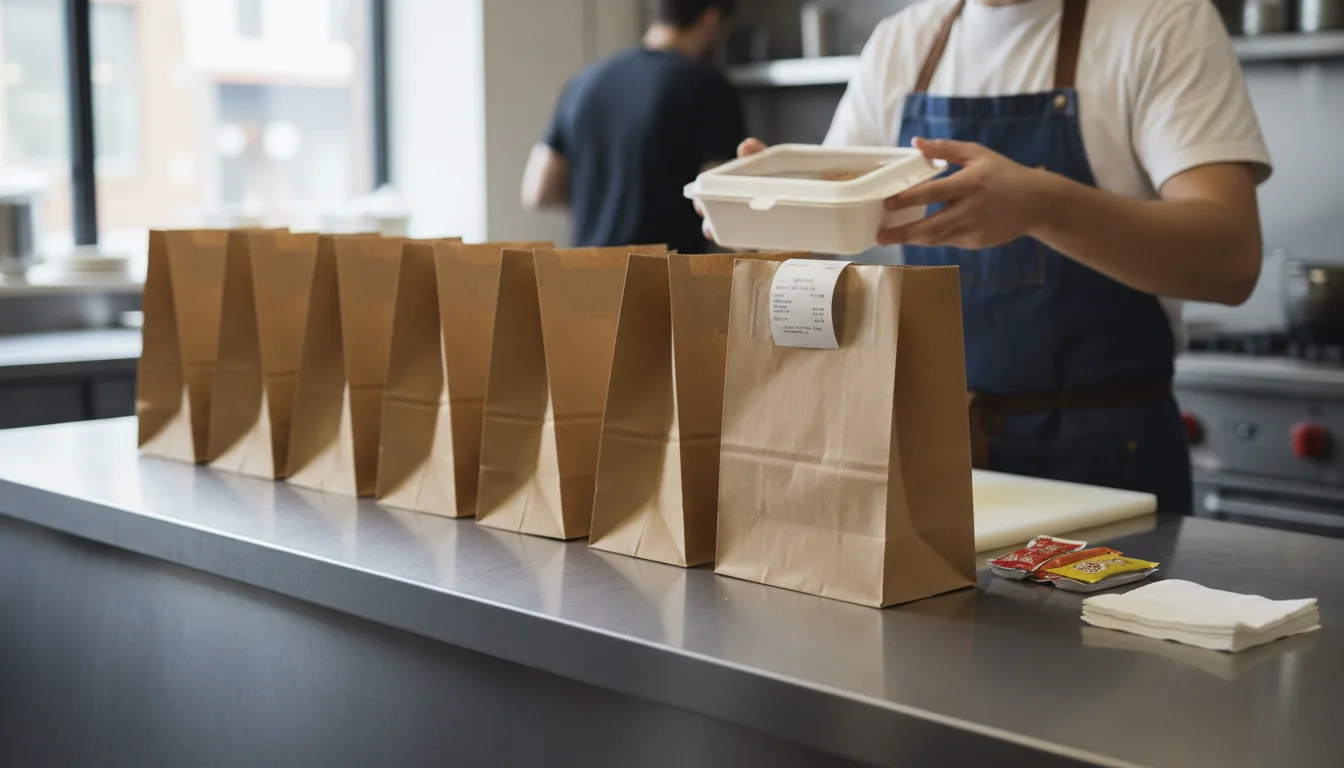
A driver is waiting, the phone is ringing, and you are staring into three brown paper bags trying to figure out which one has the side salad. The kitchen cooked everything perfectly, but the final ten feet of the building is where the mistakes happen.
Software handles the transaction. It routes the order from the website to the printer. But software cannot put the correct sauce in the bag. That requires a physical takeaway workflow designed for accuracy. If you rely on memory during a rush, you will fail.
The bagging station
You need a dedicated physical space for packing restaurant to go orders. If you pack bags on the same counter where you take walk-in payments, you will mix up orders. The bagging station should be a flat surface located between the kitchen pass and the front door. It needs to be out of the way of the main foot traffic but close enough to the kitchen to grab hot food quickly.
Stock this station like a prep table. It needs bags of every size, napkins, wrapped cutlery, and condiment tubs. It needs a stapler, tamper-evident tape, and a thick marker pen. The person packing the bag should never have to walk away to find a lid. Every step away from the station is a chance to get distracted and forget an item.
Keep your packaging uniform. Use containers that stack well inside your standard bags. If your boxes slide around or tip over, the food will arrive in a mess. Test your packaging by packing a full meal and carrying it around for ten minutes.
Managing the kitchen ticket system
A clear kitchen ticket system stops the guessing. When an online order prints, it usually has a specific pickup time. The kitchen needs to time the hot food to finish exactly when the cold items are ready.
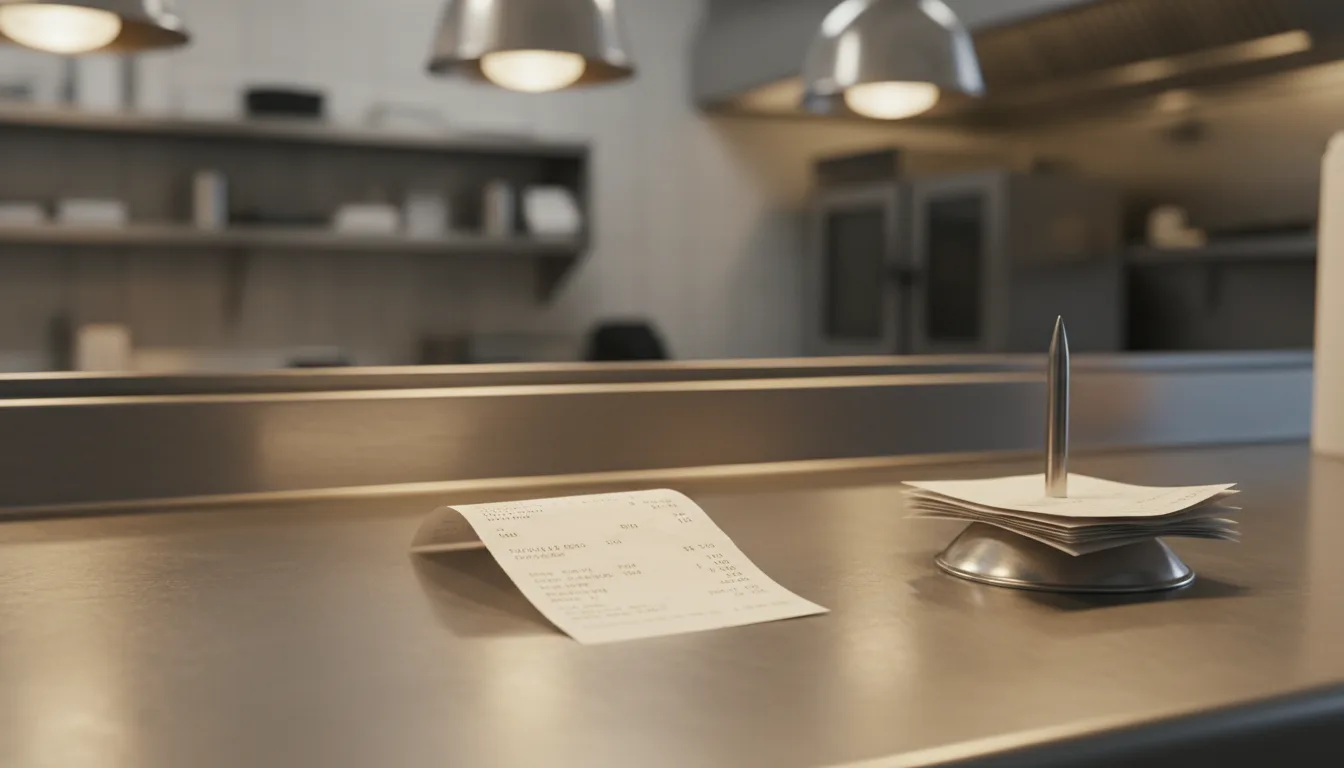
Tape the main receipt to the outside of the bag the moment the ticket prints. This receipt is your master checklist. As items arrive from the kitchen, mark them off on the receipt with a pen. A simple line through the printed item means it is physically in the bag. If there is no line, you are still waiting for it. Never rely on mental checklists.
Pay attention to modifications. A burger with no onions needs to be clearly marked by the kitchen so the packer knows they have the right item. If the kitchen uses generic wrapping, the packer has to open the box to check. Opening boxes slows down the line and cools the food. The kitchen must label the outside of the box.
Separate hot and cold items. Put salads and cold drinks in one bag, and hot containers in another. Staple the bags together or place them into a larger master carrier bag. This keeps the food at the right temperature and ensures the customer leaves with the complete order.
Controlling the order handoff
Put one person in charge of the order handoff. When three different staff members are dropping boxes into bags, items get missed. The person running the bagging station is the final quality check. They are the bridge between the kitchen and the customer.
This person checks the boxes against the ticket. They secure the bag. They hand it to the customer or the driver. If the cashier or a passing line cook tries to hand over a bag to speed things up, the system breaks. The dedicated packer owns the bag until it leaves the building.
Keep drivers and direct customers separated if your space allows it. Drivers are on the clock and will push to the front. Direct customers want a welcoming experience. Directing them to different ends of the counter helps the packer manage the flow of bags without confusion.
You can use lokal to handle the digital side of this process. It gives you a website with online ordering and a POS in one system, sending orders straight to your printer. It costs $1 for the first month, then $99.99 per month plus tax, with 0% commission on your own orders. The software organizes the queue, but your team still has to pack the bags.
Published 20 November 2026 by lokal.