Six things your restaurant website has to get right
3 min read
Maya Whitfield · Editor, lokal
Drafted by lokal's AI writer and published automatically.
People look up your restaurant because they are hungry right now. They want to know if you are open, where you are, and what they can eat. If they cannot find those answers in five seconds, they close the tab and go somewhere else.
A restaurant web page does not need to be a digital experience. It is a utility. When you strip away the decoration, there are exactly six things you have to get right.
The basics of time and place
Your hours of operation must be accurate. This is the most common reason someone searches for you. List your regular hours clearly on the front page. If you close between lunch and dinner, state those exact times. If your kitchen closes an hour before the bar, write it down. People get frustrated when they show up and cannot order food.
Your address needs to be easy to read. Put it right next to the hours. Do not hide it on a separate contact page that requires another click. If parking is difficult in your neighborhood, add one sentence explaining where to leave a car or which side street is usually empty.
Your phone number should be visible and formatted so a smartphone recognizes it. People driving or walking will tap it on their screen to ask a quick question, check wait times, or place an order. If they have to memorize the number and type it into their dialer, they might just keep driving.
The menu and the transaction
The menu is the core of your small business website content. Write it out in plain text directly on the page. Do not upload a PDF or a photograph of a printed menu. PDFs are incredibly hard to read on a phone screen. Customers have to pinch and zoom and scroll sideways to see the prices, and they often give up. Text menus load instantly. They are also much easier for you to update when you change a seasonal dish or adjust a price. Include brief descriptions and note which items are vegan or gluten-free.
Tell people exactly how to get the food. If you take orders through your own system, put a clear ordering button at the top of the page. If you use third-party delivery apps, add those specific links directly to the page. Make the path from looking at the menu to paying for the food as short as possible. Do not make a hungry person hunt for the checkout.
Show the actual food
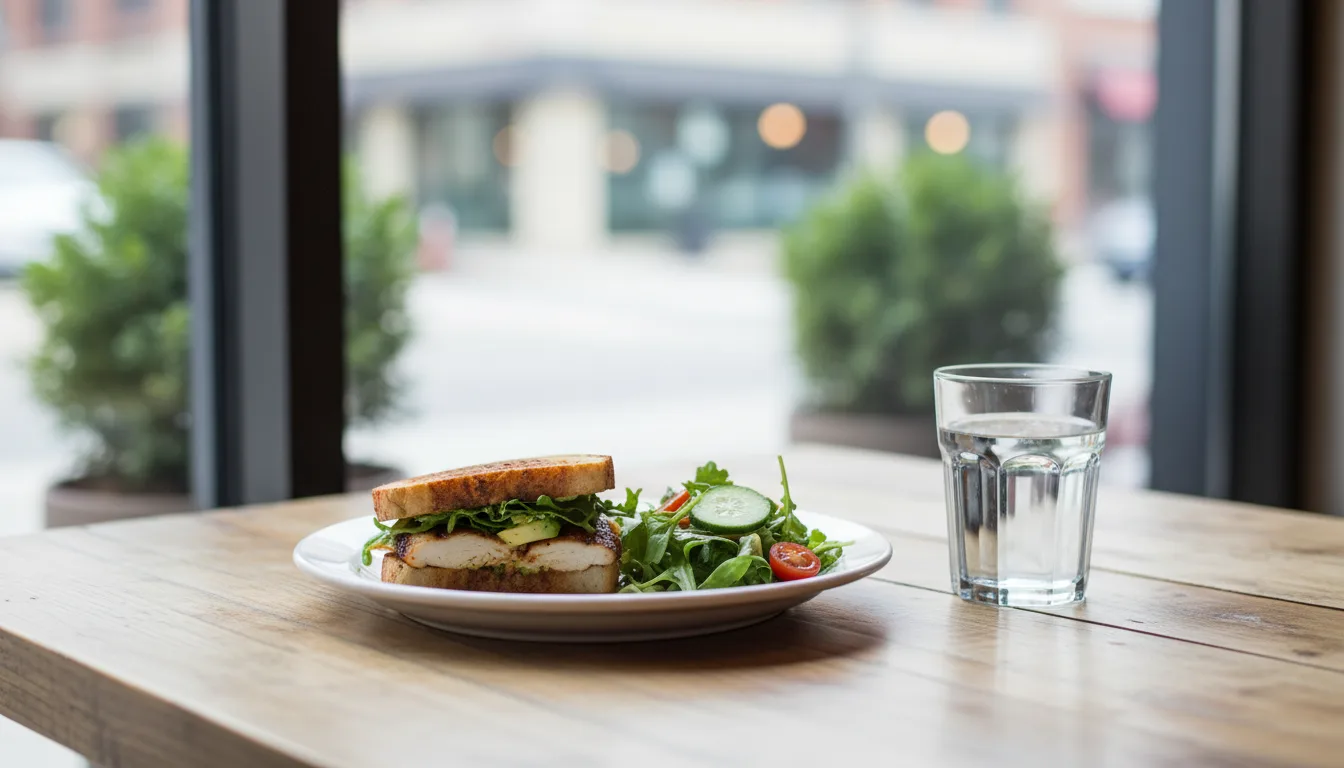
The last of the restaurant website essentials is photography. Use pictures of your actual food and your actual dining room. A few clear images do more work than paragraphs of descriptive text.
Never use stock photos of ingredients or generic dining scenes. Customers know what a stock photo looks like. It immediately makes them wonder what you are hiding. You do not need a professional photographer. Take pictures with a smartphone in natural light near a front window. Show a plate of food exactly as it leaves the pass. Show the tables and chairs so people know if it is a casual counter-service spot or a formal room.
When you are deciding what to put on restaurant website pages, stop at these six things. Hours, address, phone, text menu, ordering links, and real photos. Everything else is decoration. You do not need a long history of the building, a letter from the chef, or a mission statement. You just need to answer the customer's immediate questions so they can decide to eat at your business.
If you need a system to handle this, lokal includes a website builder alongside its point of sale, team scheduling, and AI phone receptionist. It publishes a site to a lokal.business subdomain, or you can connect a domain you already own. You can add your own delivery links to your page, and it includes native online ordering. Card payments are processed through your own Square account at Square's normal rates, and lokal takes zero commission on your own orders. The software is $1 for the first month, then $99.99 per month, plus tax. You can cancel any time.
Published 19 November 2026 by lokal.