Taking phone orders without getting them wrong
3 min read
Maya Whitfield · Editor, lokal
Drafted by lokal's AI writer and published automatically.
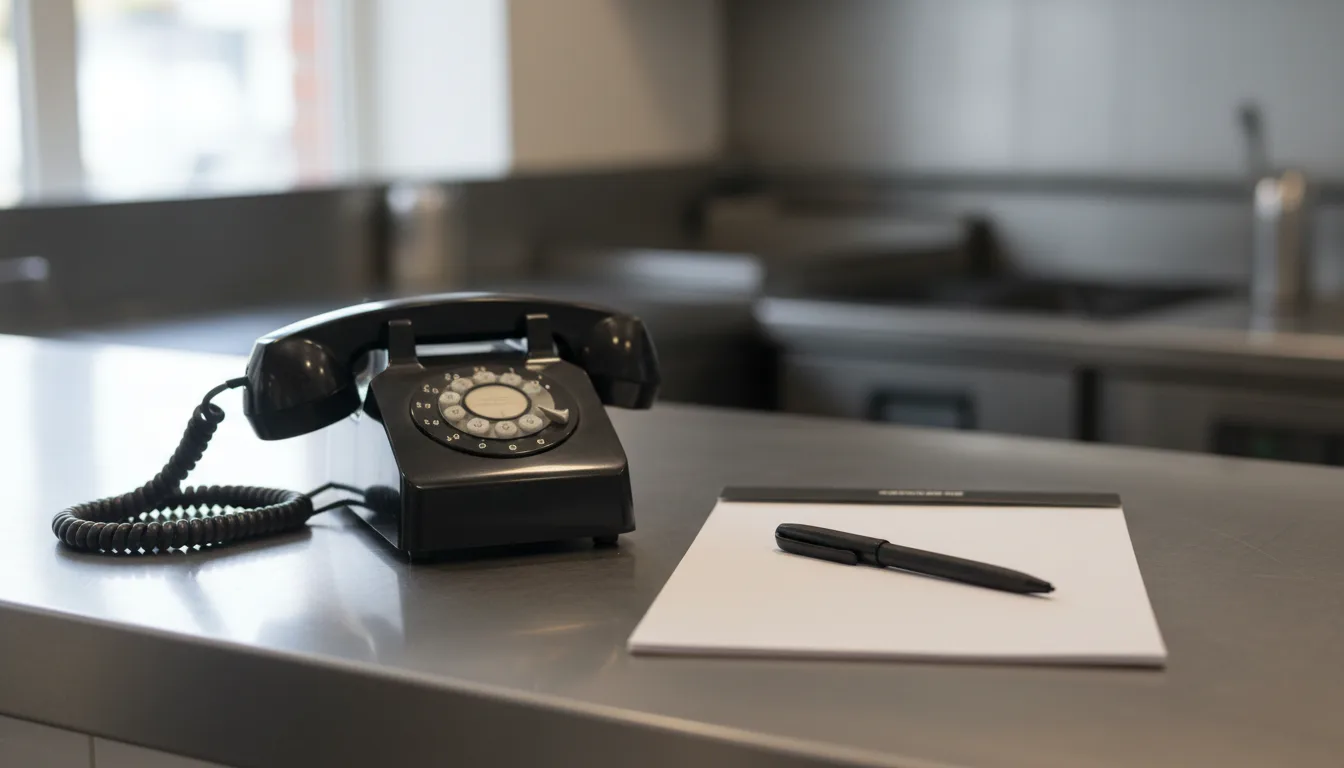
The phone rings in the middle of the dinner rush and you cannot hear the caller over the kitchen noise. You write down a phone order, send it to the line, and thirty minutes later you find out the address was wrong and the food is dead.
Taking an order over the phone without making mistakes requires a strict routine. Order accuracy starts with the sequence of questions. The person answering the phone should always ask for the customer name and phone number before they ask what the customer wants to eat. If the line drops, you can call them back. If it is a delivery, get the address next. Do not take a single item for the food order until you know exactly where it is going and who is paying for it.
The physical environment matters just as much as the script. A server holding a phone between their ear and shoulder while punching items into a terminal will make mistakes. Provide a dedicated headset if your staff take an order over the phone frequently. It frees their hands to navigate the menu screen or write down complex requests.
The read-back and the allergy check
When you deal with crackly lines and background noise, mistakes happen. The read-back is your only defense against a remade meal. Train staff to repeat the entire order back to the customer, including every modifier. Say one burger, no onions, medium rare, rather than just one burger. Force the caller to listen and confirm.
Ask about allergies on every call. A customer might forget to mention a peanut allergy because they assume a dish does not contain nuts. Making the allergy question a standard part of restaurant call handling protects the customer and the business. Write the allergy clearly on the ticket. Do not use shorthand that the kitchen might misunderstand.
Pacing is also critical. Customers often speak faster than a staff member can type or write. Teach your team to take control of the conversation. It is entirely acceptable to ask a caller to pause for a moment while an item is entered. A brief pause prevents skipped items and ensures the kitchen gets the correct ticket.
When to use software and when to use a person
A human being is good at reading tone. If a customer calls with a serious complaint, or wants to book a complex catering order for a wedding, they need to speak to a person. A manager can defuse a tense situation, apologize for a mistake, or negotiate a custom menu. Software cannot do that. Empathy requires a human.
But humans get overwhelmed easily by sheer volume. If three people call at once on a Friday night, a staff member has to put two of them on hold. Those customers often hang up and order from somewhere else. This is where an AI answering the phone makes sense. Software does not get stressed by call volume. It can take a standard order, answer questions about opening hours, and process the ticket exactly the same way every time.
We built lokal to manage this balance. The software includes an AI phone receptionist that answers calls, handles questions, and takes orders or bookings. It logs the orders directly to the register. This handles the routine phone orders restaurant staff usually rush through. The system costs $1 for the first month, then $99.99 per month, plus tax. AI receptionist minutes are metered on top at about $0.10 per minute. You can let the software answer the phone, so your staff can talk to the people standing in front of them.
Published 6 October 2026 by lokal.