Six things every restaurant website must have
3 min read
Maya Whitfield · Editor, lokal
Drafted by lokal's AI writer and published automatically.
Customers visit your website because they are hungry and want to know how to get food. They are not there to read your mission statement or learn about your journey. They want concrete information.
A restaurant website is a tool, not an art project. It needs to answer specific questions quickly. If a customer has to scroll past three paragraphs of text to find your opening hours, your website is failing them.
Everything you put on a restaurant web page should serve a practical purpose. There are six essentials.
1. The address and a map link
Put your full address on the homepage. Do not hide it on a separate contact page. Customers need to know where you are immediately.
Make the address text selectable so people can copy it. Include a link to Google Maps or Apple Maps. When someone taps that link on their phone, it should open their navigation app with your restaurant set as the destination.
If your location is hard to find, add one sentence of directions. For example, 'Next to the post office, down the alley.'
2. Current opening hours
Your hours must be accurate and easy to read. List them clearly for every day of the week. If you close for a few hours in the afternoon between lunch and dinner service, state those exact times.
If your hours change for a holiday, update the website. Customers will trust the hours on your site more than the hours on a search engine, but only if you keep them current.
3. A working phone number
Some customers want to call you to ask a question or place an order. Give them a phone number they can tap to call from a mobile device.
Put the number near the top of the page. Make it large enough to read easily.
4. The current menu
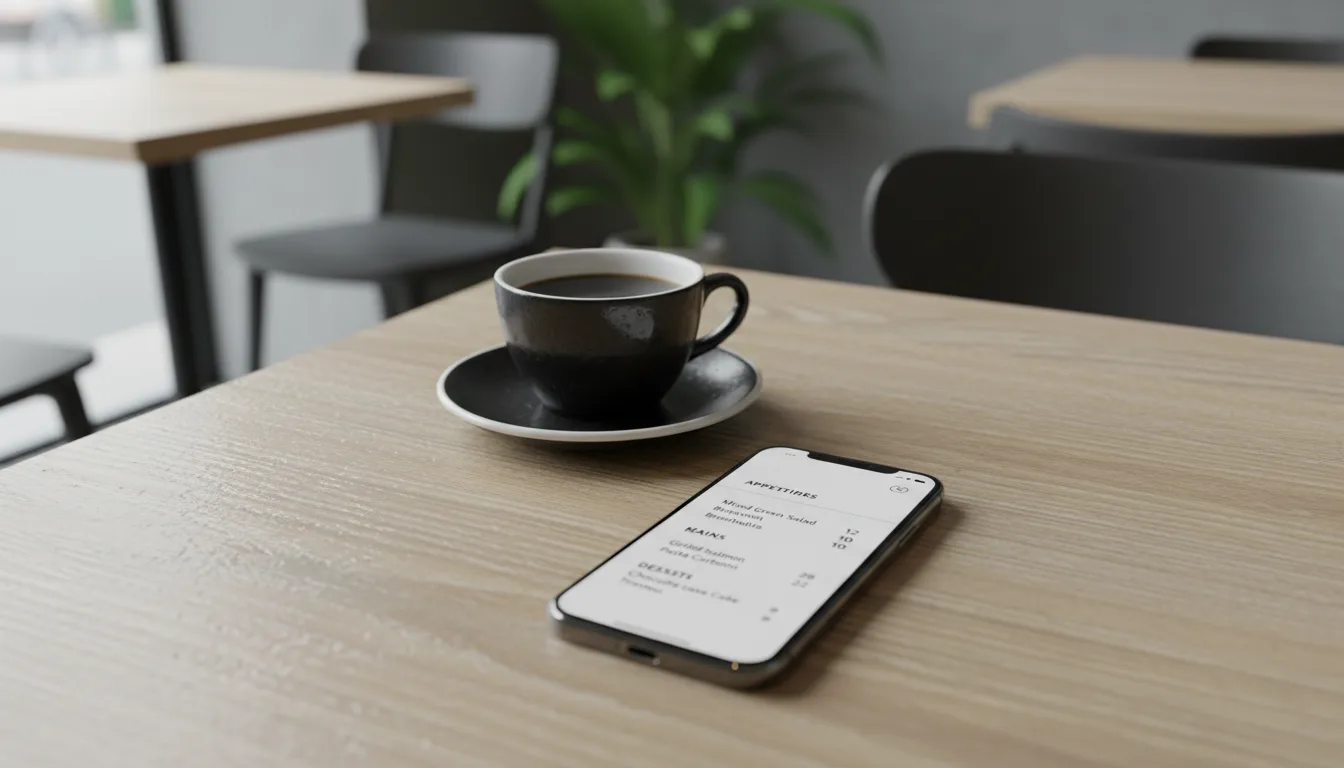
Your menu is the most important small business website content you have. It needs to be readable on a phone screen.
Do not upload a PDF of your printed menu. PDFs are difficult to read on mobile devices because the text is often too small, and customers have to pinch and zoom to navigate the document.
Type your menu items directly into the webpage. Include prices. If a dish is vegetarian, vegan, or gluten-free, mark it clearly. If an item is temporarily unavailable, remove it from the online menu.
5. Clear ordering instructions
Tell customers exactly how to get your food. If you take orders online for pickup, provide a clear 'Order Online' button that goes straight to your ordering system.
If you only take orders by phone, say 'Call to order' next to the phone number.
If you offer delivery through a third-party service, you can put the link to your DoorDash or Uber Eats page on your site. Make it obvious which button is for pickup and which is for delivery.
6. Real photographs
Show customers what your food and your space actually look like. Use photographs you took in your restaurant.
Do not use stock photography. A generic picture of a burger looks like a generic picture of a burger. Customers want to see the burger you make.
You do not need a professional photographer. A modern phone takes good photos if you have natural light. Take a picture of your most popular dishes and a picture of the dining room.
Everything else is secondary
Once you have those six elements in place, your restaurant website essentials are covered. You do not need a blog, an elaborate backstory, or a complex design.
A clean page with the right information is better than a complicated site that is hard to navigate.
If you need a system to manage this, lokal includes a website builder that publishes a site at a lokal.business subdomain, or you can connect a domain you already own. It includes online ordering, and card payments process through your own Square account. There is one plan, which is $1 for the first month and $99.99 per month after that.
Published 2 October 2026 by lokal.