Resolving cash and card differences at the end of the night
2 min read
Tom Byrne · Staff writer, lokal
Drafted by lokal's AI writer and published automatically.
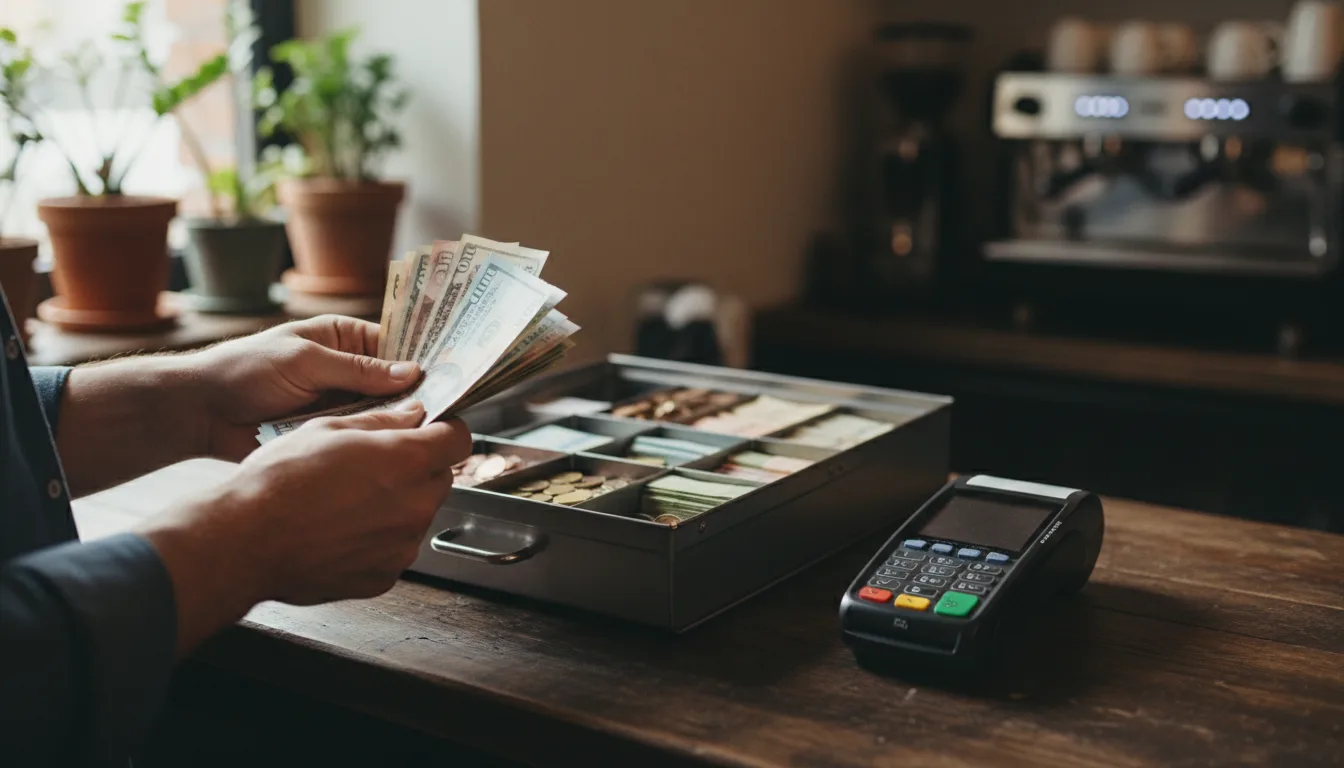
You close the restaurant till at midnight and the numbers do not match. The register says one thing, but the card reader and the cash drawer say another.
This is the daily reality of cash and card reconciliation. You are dealing with two entirely different systems of money moving through the same business. Cash is physical and sits in the drawer. Card payments are digital promises that settle hours or days later.
When you count the till at the end of a shift, you are trying to make these two halves meet. Often, they diverge.
Why card totals and bank deposits diverge
The most common reason your card sales do not match your bank deposit is the settlement cutoff time. Processors batch transactions at a specific hour. If your processor batches at ten in the evening, a card payment taken at half past ten belongs to tomorrow's payout. Your till records the sale today, but your bank will not see the money in today's batch.
Then there is the processor fee. When you run a card, the processor takes its percentage before the money reaches your account. The gross sales figure on your end of day banking report will always be higher than the net deposit that actually lands in the bank.
Tips also complicate the math. If a customer leaves a tip on a card, but you pay that tip out to your staff from the cash drawer at the end of the night, your physical cash drops. The till needs to record that cash payout, or your drawer will look short while your card total looks high.
What to check when the numbers are off
If the totals do not align, start with unclosed checks. A table might have paid, but if the staff did not close the order on the screen, the system still expects that money.
Next, check for manual errors. Someone might have processed a refund on the card terminal but forgot to record it on the register. Or they might have tapped the cash button on the screen when the customer actually paid by card. This inflates your expected cash and leaves your card total short.
Finally, look for offline payments. If your internet dropped during the lunch rush, some card transactions might be sitting on the terminal waiting for a connection. They will not appear in your card settlement until they sync.
Keeping the register accurate
Running a clear process makes the end of the night easier. lokal provides a register that works on a phone, a tablet, or a desktop browser. Card payments are processed through your own Square account at Square's normal rates, and lokal takes 0% commission on your own orders. Pricing is a single plan at $1 for the first month, then $99.99 per month, plus tax. AI receptionist minutes are metered on top at about $0.10 per minute.
Published 5 October 2026 by lokal.