QR code table ordering: when it works and when it ruins the mood
3 min read
Nina Alcaraz · Operations writer, lokal
Drafted by lokal's AI writer and published automatically.
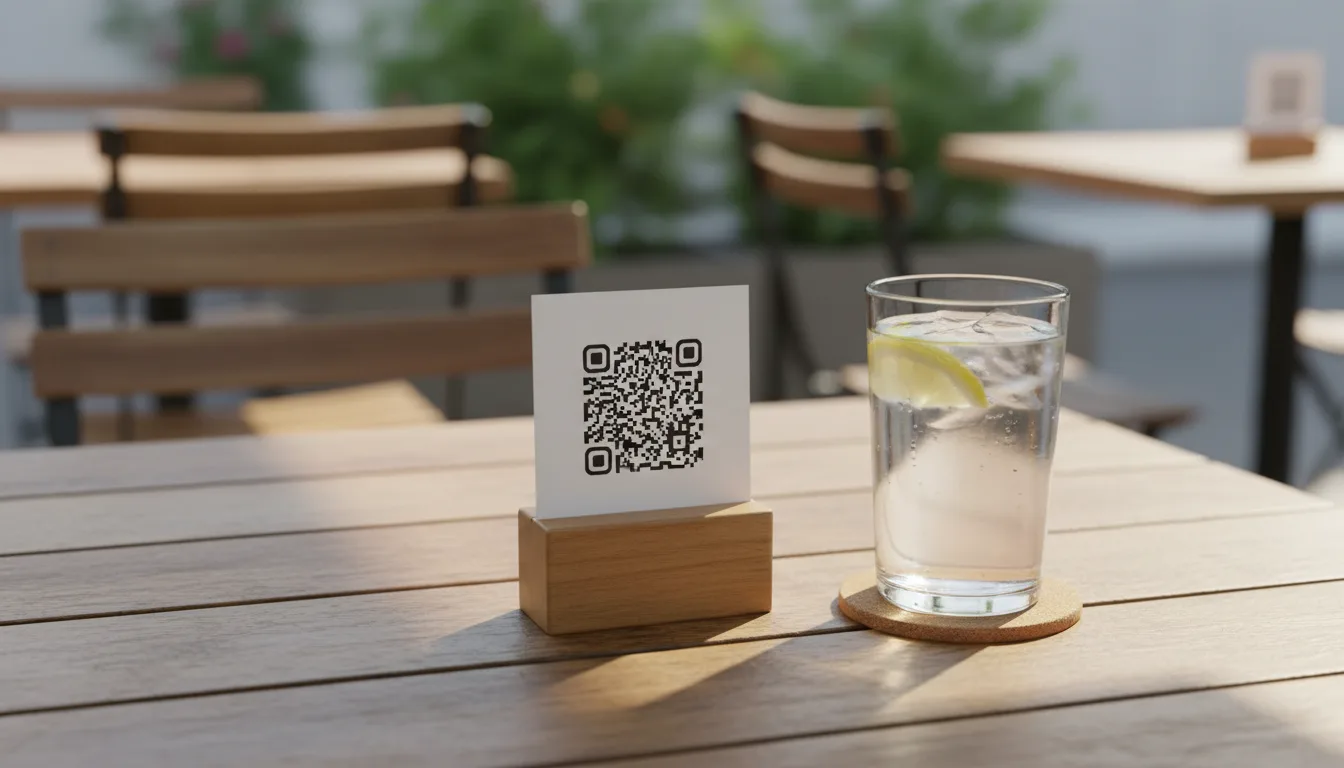
You have a full dining room and two servers on the floor. A table in the corner has been waiting ten minutes just to ask for a menu. This is the exact moment an owner considers putting a QR code on every table.
It seems like a simple fix to a staffing problem. But qr table ordering splits opinions. Some guests love the control. Others hate scanning a code to buy dinner. The reality is that a qr code menu is a tool, not a rule. It works in specific situations and fails in others.
Where QR codes earn their keep
Think about a large patio on a busy Saturday. Servers have to walk a long way from the kitchen or bar. If a guest wants another beer, waiting for a server to pass by takes time. For sprawling layouts, restaurant qr ordering works well. The guest scans the code, orders the drink, and the ticket prints at the bar. The server just drops it off.
Lunch service is another strong fit. People on a lunch break watch the clock. They want to sit down, order fast, eat, and pay without waiting for the check. A contactless menu lets them control their own time. They order when they are ready and leave when they are done. This turns tables faster and keeps stressed diners calm.
It is also useful in busy pubs or taprooms. When the line at the bar is five deep, a customer sitting at a booth will probably skip a second round. If they can order from their phone, they will buy that drink. You capture sales that would otherwise walk out the door.
When to hand out paper menus
Not every meal should start with a screen. If you run a restaurant where the atmosphere is the main draw, a QR code kills the mood. People go out to escape their phones. Asking them to pull out a device, zoom in on a screen, and scroll through options feels like work.
Dim lighting is a practical problem. If guests have to hold their phone flashlight over a table tent to scan a code, the system is failing them. The same applies to older guests who might not be comfortable navigating a digital interface.
Paper menus encourage conversation. A server handing out menus can answer questions, suggest specials, and set the tone for the meal. You lose that interaction when everyone is staring at a screen. Hospitality is about making people feel taken care of, and sometimes that requires a human being handing over a physical list of food.
The hybrid approach
You do not have to choose just one method. Many places keep physical menus at the host stand and QR codes on the table. When a server greets the table, they hand out the paper menus. They also point out the code.
This gives the guest a choice. They can order their first round of food and drinks with the server. Later, if they want a dessert or another glass of wine, they can use the code. This takes the pressure off your floor staff without forcing technology on guests who do not want it.
How lokal handles table orders
If you decide to use QR codes, the setup needs to be simple. lokal includes QR table ordering built into the POS. You print the codes, put them on the tables, and guests scan them to order. The orders go straight to your register and print in the kitchen or bar.
Because lokal is one app for running a local business, you do not pay a separate company just for a digital menu. It is part of the single plan, which is $1 for the first month and then $99.99 per month. This covers your POS, website, reservations, inventory, and team scheduling. Card payments run through your own Square account at Square's normal rates, and lokal takes zero commission on your orders. You get the benefits of table ordering when you need it, and you can stick to paper menus when you do not.
Published 12 October 2026 by lokal.