Packing takeaway orders so your kitchen never guesses
3 min read
Arun Sethi · Product writer, lokal
Drafted by lokal's AI writer and published automatically.
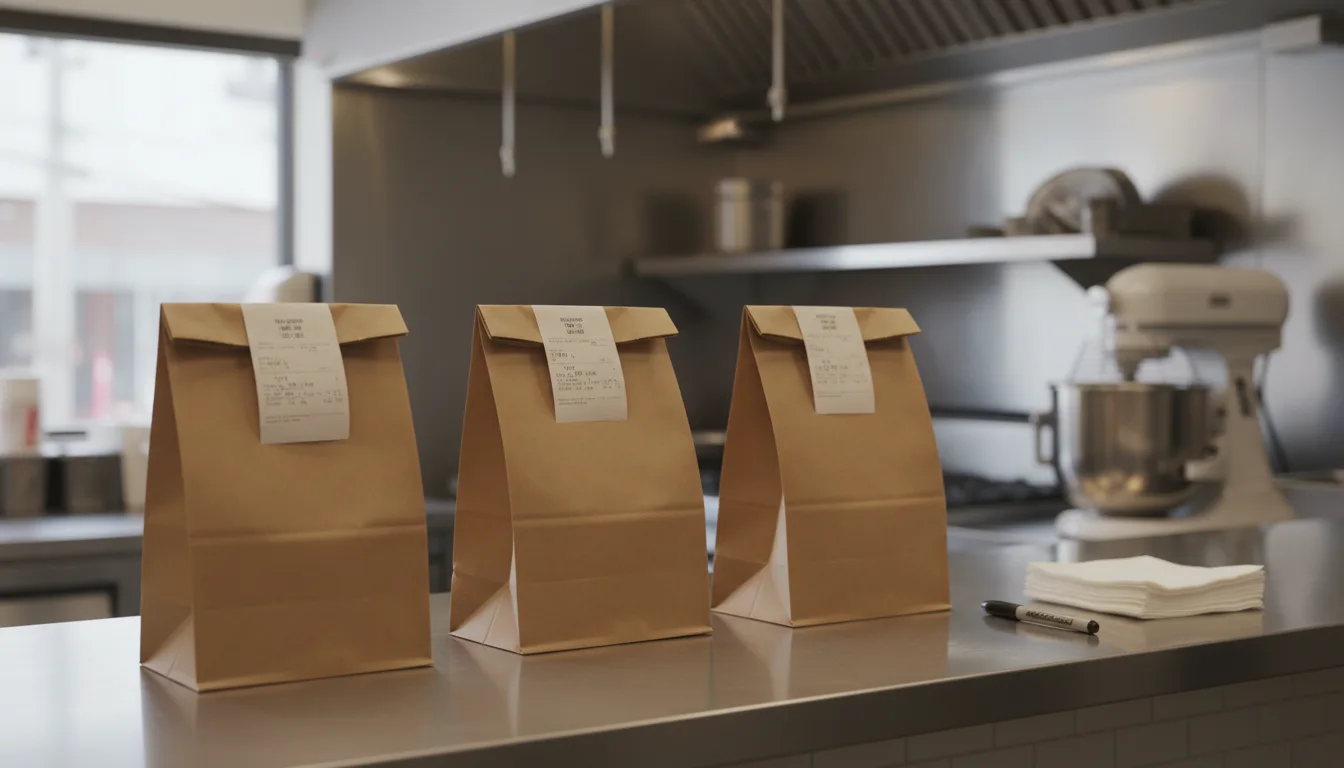
You hear the printer fire, the kitchen plates the food, and then the confusion starts. A driver is waiting, a customer is at the register, and three boxes of food are sitting under the heat lamp with no clear destination.
The physical side of your takeaway workflow is where most errors happen. Software sends the order to the kitchen, but software cannot put the fries in the bag. When the volume of orders goes up, the gap between cooking the food and handing it to the customer becomes a bottleneck. You need a physical process that removes the guesswork.
Set up a dedicated bagging station
You need a physical boundary between the kitchen and the packing area. If cooks are putting food straight into bags, they lose track of what goes where. Their job is to cook and plate. Someone else needs to pack.
A bagging station gives you a flat surface to check items against the receipt. It needs to be stocked before the rush begins. Bags, napkins, sauces, and cutlery should be in arm's reach. If the person packing the order has to walk away to find a lid or a specific condiment, the system breaks down. The station should be close to the kitchen pass but out of the way of the main cooking line. This keeps the flow of food moving in one direction.
Make the kitchen ticket system the single source of truth
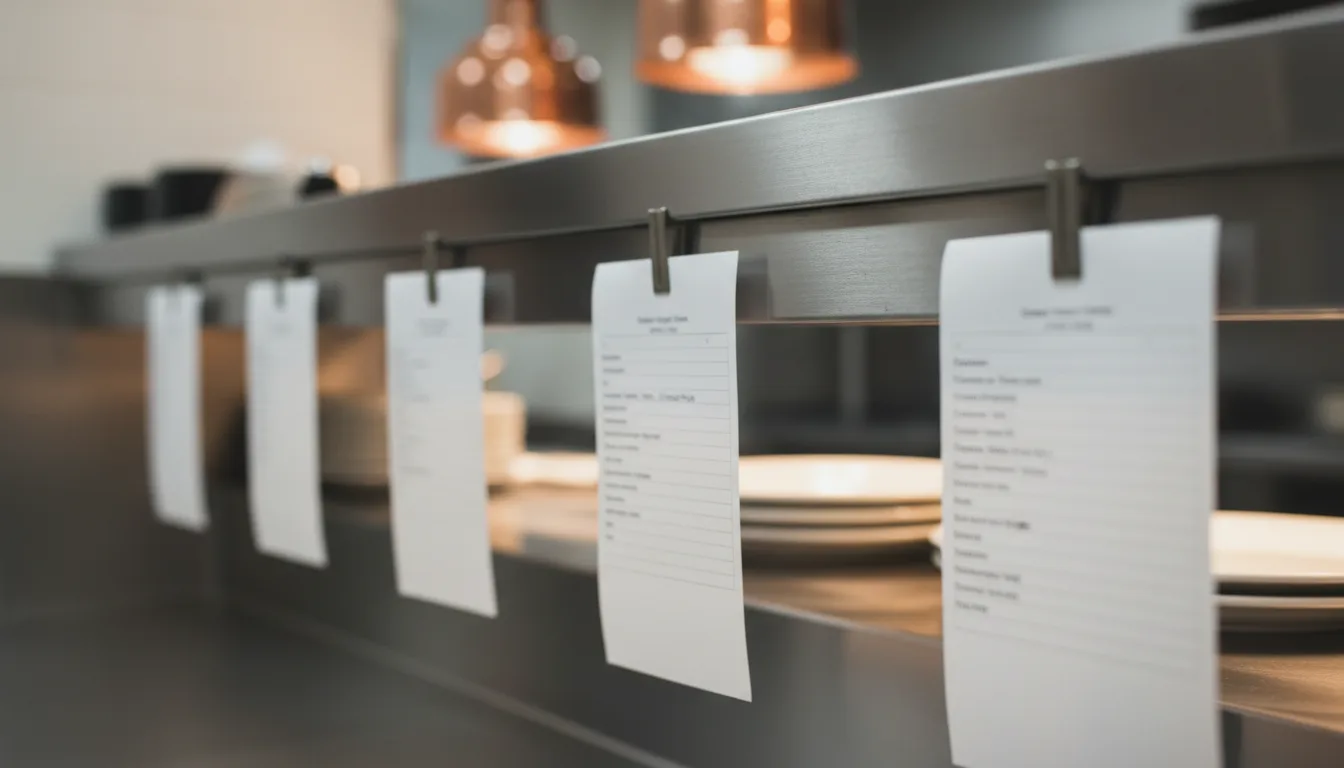
Every item in the bag must match the ticket. Do not rely on memory, and do not let the kitchen shout out what they think is in the box. A reliable kitchen ticket system ensures the person packing the order knows exactly what the customer requested, including any modifications or allergy notes.
When an item goes into the bag, the packer should mark it off the ticket. Use a pen or a marker. This stops the packer from guessing if the side salad is already at the bottom of the bag. It also prevents them from opening closed boxes to check what is inside, which slows everything down and ruins the presentation.
Once the order is complete, staple or tape the ticket to the outside of the bag. This tells the front of house the order is ready. It also gives the customer a way to verify their own food before they leave.
Put one person on the order handoff
When multiple people try to hand out food, mistakes happen. The cashier thinks the manager gave the driver the order. The manager thinks the cashier did it. The bag sits on the counter getting cold.
Dedicate one person to the order handoff during busy shifts. This person is the bridge between the bagging station and the door. They check the name on the receipt against the name the driver or customer gives them. They manage the physical space where restaurant to go orders wait for collection.
If an order sits too long, they are the one who notices. They can check the tablet, see when the order was placed, and figure out if a driver is missing. Having one person in control stops drivers from crowding the register and keeps the dining room calm.
Your physical setup dictates how smoothly an order leaves your building. The software you use just needs to give your team clear, accurate information so they can do their jobs. lokal handles the digital side of your business, from online ordering on your website to the register on your counter. It sends clear orders to your kitchen so your team can focus on packing the bag and handing it to the right person.
Published 27 October 2026 by lokal.