How to remove a dish from your menu without breaking everything
3 min read
Arun Sethi · Product writer, lokal
Drafted by lokal's AI writer and published automatically.
You decide to drop the roasted cauliflower, so you tell the kitchen to stop prepping it. Two hours later, a customer orders it from a QR code and a server tries to ring it up on the register.
Taking a dish off the menu means hunting down everywhere it lives. A removed dish leaves a hole. If you miss one spot, a customer orders something you do not have. Changing a restaurant menu is a quiet administrative chore that touches every part of your operation.
Kitchen staff work from prep sheets. If a dish is off the menu, the prep sheet needs to reflect that immediately. Otherwise, someone comes in early and spends an hour roasting vegetables you are not going to serve.
You also have to tell the floor staff. A pre-shift meeting is the best time to explain what is leaving and what is replacing it. If a regular customer comes in and asks for their usual, the server needs to know it is gone and suggest an alternative.
The register and the inventory
The first place a dish needs to disappear is your point of sale. If the button is still on the screen, someone will press it during a rush. You have to remove the item from the active register layout. Your register might also have modifiers attached to the removed dish. If you take away a specific burger, you should clean up the modifier screen so staff do not have to scroll past custom toppings that only belonged to that one meal.
If the dish used specific ingredients that nothing else requires, you must adjust your inventory. You have to tell your suppliers to stop sending those items. This stops you from buying food you will not sell.
When you roll out a seasonal menu, this entire process multiplies. You are not just removing one item, you are removing five and adding five new ones. The chance of missing a button on the register or an old photo on the website goes up.
The online menus
Next is everywhere a customer can read your menu on a screen. You need to update the menu online on your own website. If you use QR code table ordering, that digital menu needs the exact same update. If you use separate software for your website and your tables, you have to log into both.
Then you look at the outside platforms. If you put your own delivery links on your site for DoorDash or Uber Eats, you need to log into those merchant portals and remove the dish. You also have to check your Google Business profile if you typed your menu in there.
Social media is another trap. You might have pinned a menu to the top of your profile six months ago. A customer will read that pinned post while standing in line, decide what they want, and get frustrated when they reach the counter. You have to unpin the old post and upload the new one.
The printed menus and photographs
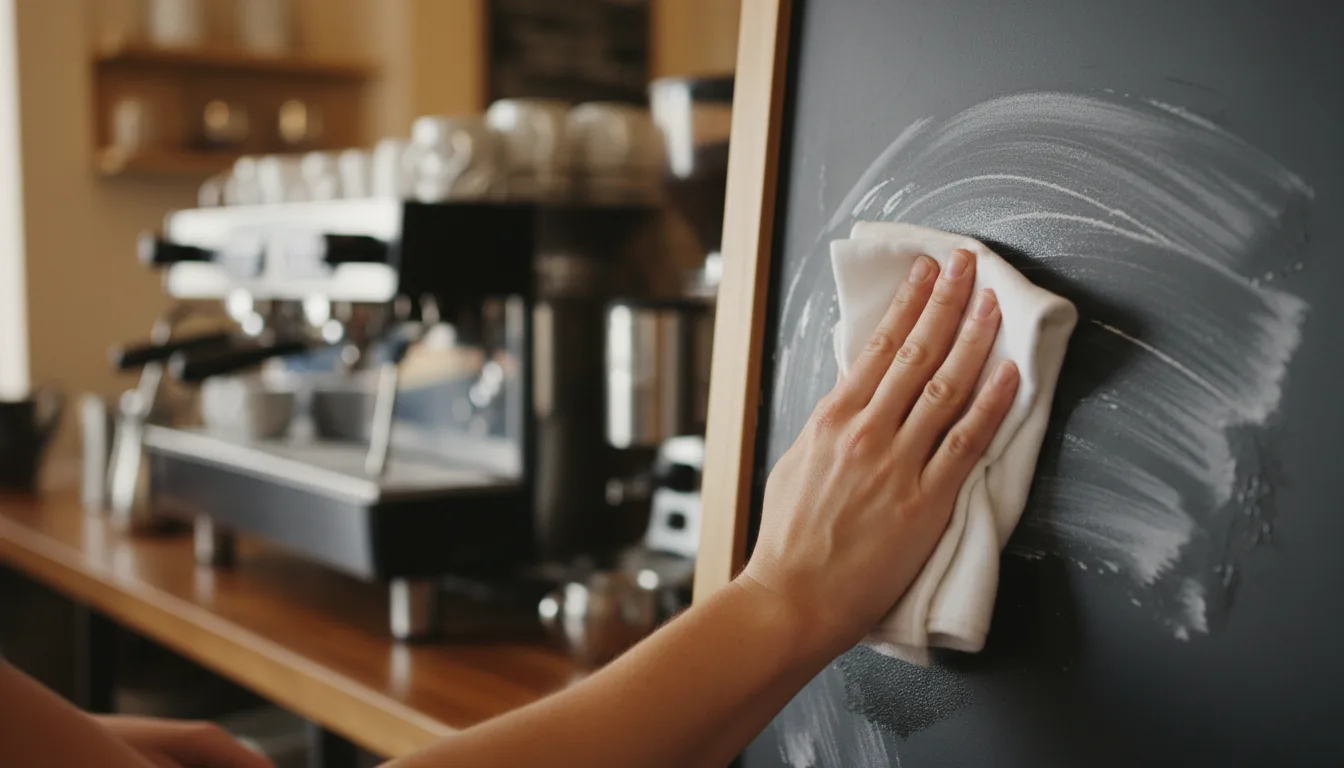
Physical menus are the stubborn part of menu management. If you print on heavy paper, you might wait to accumulate a few changes before doing a reprint. Until then, you have to physically cross the item out. If you use chalkboards, someone needs to wipe the board before service starts.
Photographs are very easy to forget. If the removed dish is the main background image on your website, you need to replace it. If it sits in a photo gallery, delete it. People point at pictures and say they want that one. It is annoying to explain that the picture they are looking at is old.
Keeping the menu in sync
Menu updates take longer when your systems do not talk to each other. lokal is one app for running a local business, which means your menu lives in one place. When you remove a dish, it disappears from your POS, your website, and your QR code table ordering all at once. It costs $1 for the first month and then $99.99 per month, plus tax. You just make the change once and get back to service.
Published 24 November 2026 by lokal.