Fix your Google listing before you do anything else
3 min read
Arun Sethi · Product writer, lokal
Drafted by lokal's AI writer and published automatically.
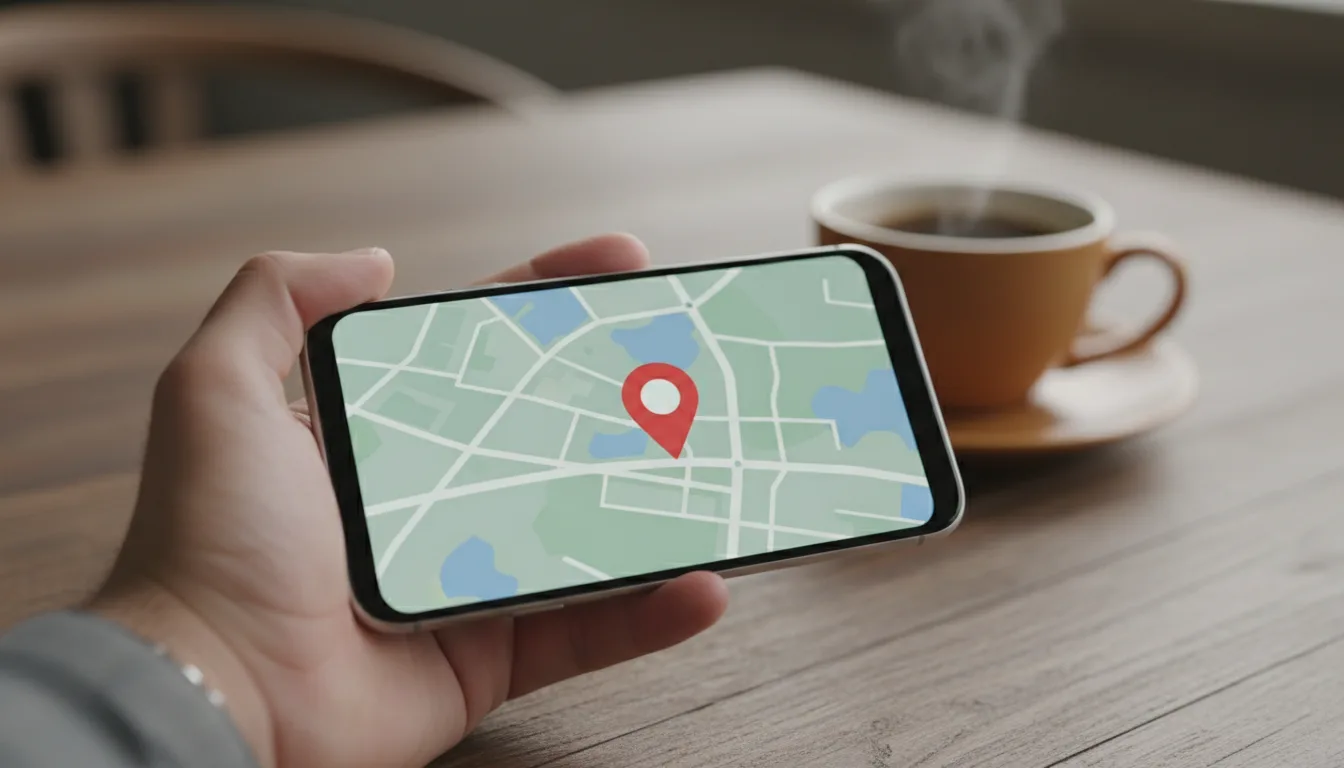
A customer searches for your business on their phone while walking down the street. They see your Google listing, walk to the address, and find a closed door because your hours are wrong.
That customer is not coming back. Before you worry about social media or running ads to get found on google, you need to fix the information on the page customers actually see first.
Your real front door
When someone looks for a place to eat or shop, they rarely type a web address. They open a search engine or a map app and type a name. The first thing they see is not your website. It is the information card that Google generates. For a google business profile restaurant listing, this card shows everything a person needs to make a decision in ten seconds.
If the details are accurate, the customer taps for directions or clicks through to your menu. If the details are missing or confusing, they scroll down to the next option. Your listing is the filter that decides whether a person walks into your building or goes to your competitor.
The address and the map pin
An address is not just text on a screen. It tells a navigation app where to send a driver or a pedestrian. You need to check that your street number and unit number are exact. Look at where the map pin actually drops. Sometimes the automated system puts the pin in the alley behind your building or a block away. You can manually drag that pin to your exact front door in your account settings. Do it.
Getting your google listing hours right
Incorrect hours destroy trust. If your listing says you are open until ten, but your kitchen closes at nine, you will have angry people standing in your dining room. You need to update your google listing hours every time your schedule changes.
This includes holidays and special events. Google allows you to set special hours for specific dates. Use this feature. If a holiday is coming up and you have not confirmed your hours, a warning label often appears on your listing telling customers the hours might differ. This creates doubt. Remove the doubt by entering your exact holiday schedule weeks in advance.
The phone number and the website link
Test the buttons on your listing. Call the phone number from your own mobile phone. Make sure it rings the phone inside your business. If you are too busy to pick up, that call goes to voicemail, and the customer hangs up. Click the website link. Make sure it loads your actual site and not an expired domain or a third-party directory that takes a cut of your orders.
Photographs that are yours
Anyone can upload a photo to your listing. Customers often upload blurry pictures of half-eaten food or photos that belong to the business next door. You cannot always delete customer photos, but you can upload your own to push the bad ones down.
Take a clear photo of your storefront from the street. This helps people recognize the building when they arrive. Take photos of your menu items in good natural light. Uploading clear, accurate images shows that the business is active and cared for. This basic maintenance is a core part of local seo restaurant strategy because it proves to search engines and customers that you are open and operating.
Managing what happens next
Once your listing is accurate, customers will call you and click through to your website. lokal is one app for running a local business that helps you handle that traffic. It includes a website builder that publishes a real site at a lokal.business subdomain, or you can connect a domain you already own. It also includes an AI phone receptionist that answers calls, answers questions about your business, and can take an order or a booking. It costs $1 for the first month, then $99.99 per month plus tax, with AI minutes metered at about $0.10 per minute.
Published 15 October 2026 by lokal.