Auditing your software stack to cut monthly costs
3 min read
Nina Alcaraz · Operations writer, lokal
Drafted by lokal's AI writer and published automatically.

You pay a monthly fee for your point of sale, another for online ordering, and a third just to manage staff schedules. By the end of the year, your restaurant software stack costs more than replacing your espresso machine, and you are still manually copying orders from one screen to another.
The shift to digital tools was supposed to make running a business easier. Instead, it created a new administrative burden. You have too many subscriptions. Every tool solves one specific problem, but none of them talk to each other. Look at how you handle customer questions. You might pay for a separate service or spend hours returning voicemails. Answering the phone, taking an order, and booking a table are all connected to your menu and your floor plan. When the tools for these jobs are disconnected, your team spends their shift acting as the bridge between different screens.
How to audit your subscriptions
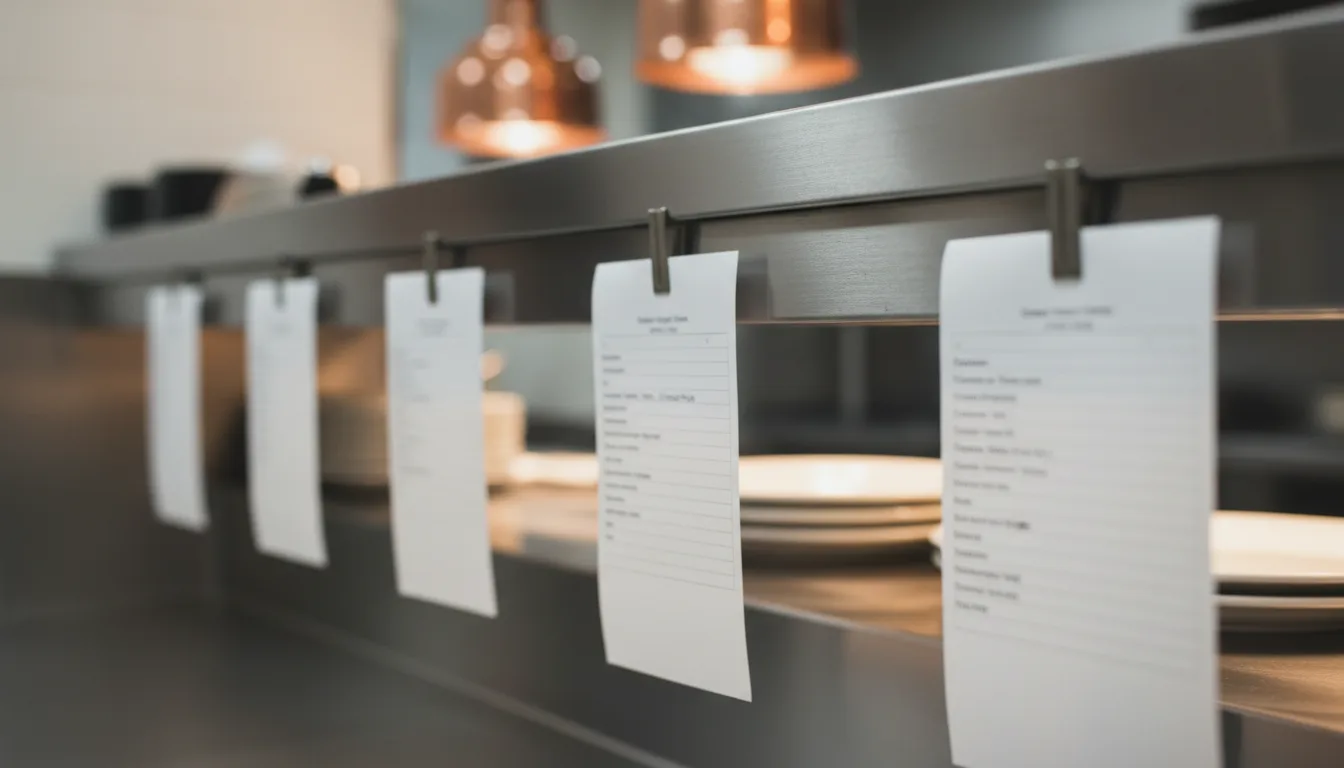
Start by printing out your last three months of bank statements. Look for every recurring software charge. Write them down on a single sheet of paper. Do not guess what you spend. Find the actual withdrawals. Restaurant tech costs creep up through small, annual increases that are easy to ignore when you are busy running a floor.
Next to each cost, write down exactly what that software does for your business today. Be specific. If you pay for a reservation system, write down reservations. If you pay for a team management app, write down scheduling and attendance.
Now look for the overlaps. This is where you find the waste. You might be paying for a marketing tool to send emails, while your online ordering platform has a built-in loyalty feature you never turned on. You might pay for a website builder, but your booking software also hosts a basic landing page.
Finding the duplicate menus
The most common sign that you need to consolidate restaurant software is menu duplication. Count how many places you have to update a price when the cost of ingredients goes up. If you change a price on your register, you should not have to log into a separate website to change it for online orders, and then log into a third system to update the QR code menu on your tables.
Every time you maintain the same information in two different systems, you are paying twice. You pay the subscription fee for the software, and you pay with the time it takes to do the work twice.
Cutting the dead weight
Once you have your list, decide what stays and what goes. Look for tools that do four jobs well enough, rather than paying for four separate tools that each do one job perfectly. Most independent shops do not need complex software with features they will never use. They need a few reliable functions that work together.
If you find a tool you want to cancel, check the contract. Some companies lock you in for a year and require written notice sixty days before renewal. Add those renewal dates to your calendar right now so you do not miss the window.
If you want to replace that scattered stack with one system, lokal handles your register, website, online ordering, QR table ordering, reservations, scheduling, and inventory. It costs $1 for the first month, then $99.99 per month, plus tax. There is no contract and no setup fee. You update your menu once, and it changes everywhere.
Published 24 October 2026 by lokal.